FORM / A skincare concept

AI video & social content / For Android
Zawa
Small business.
Big creative energy.
Your products. Your personality.
A new way to show them to the world.
From a product photo to your nextVideoSocial postBrand moment
01 / The idea wall
A little spark.
A whole new direction.
A product, a mood, a color you cannot stop thinking about. Every good campaign starts somewhere.
POP / A citrus concept
Give the everyday a twist.
One recognizable product. Endless room for a different perspective.
Original website concept artwork. Fictional brands, not Zawa-generated results.
You wear a lot of hats.
Creative director looks good on you.
The shop owner with a new collection. The cafe with a weekend special.
The creator with a point of view. This is your space to make it seen.
02 / Your content mix
One idea.
More ways to show it.
Find the right format for what
you want to say.
01Put your product in motion.
Video & reels
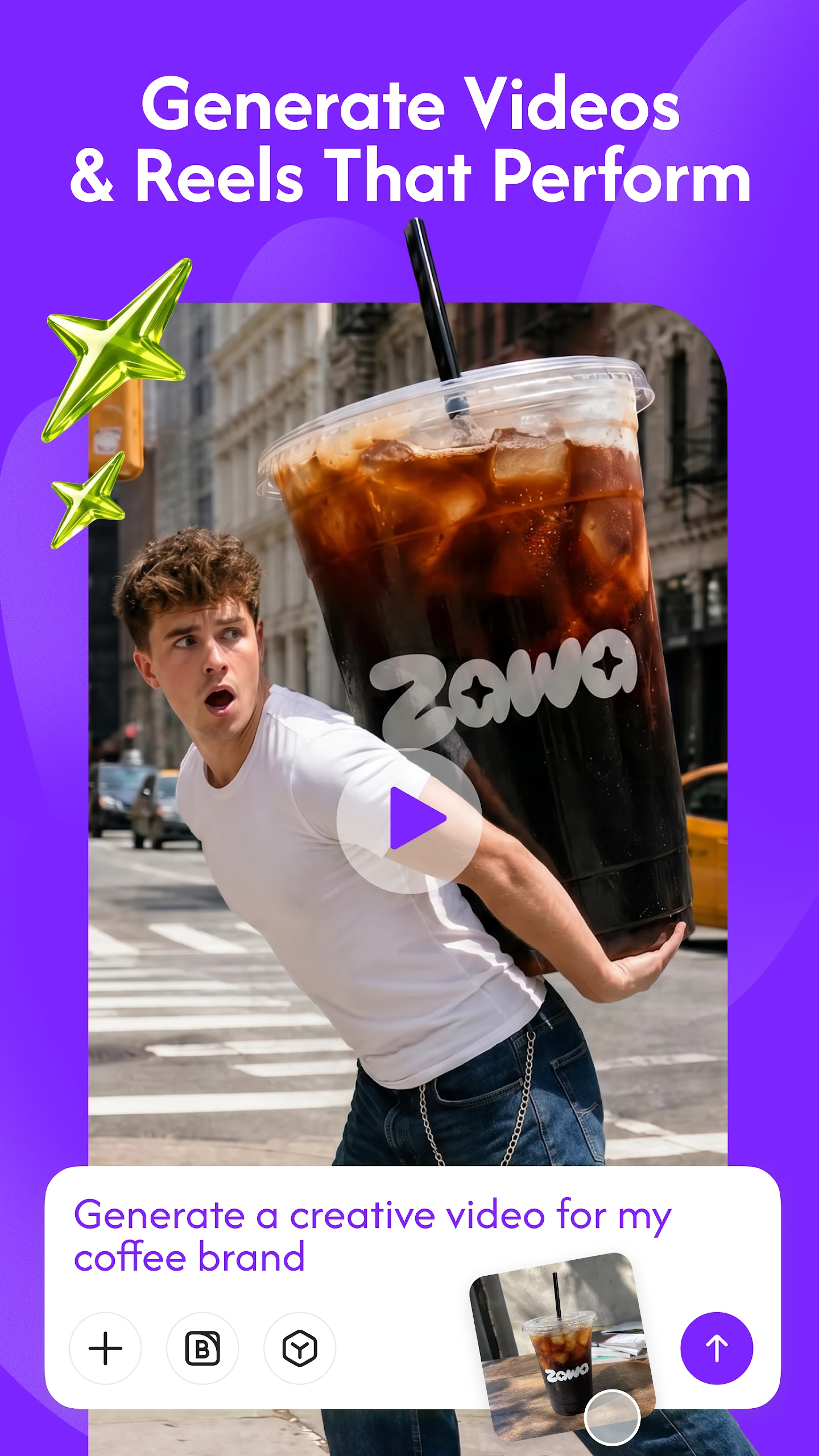
Bring a product photo or prompt to a short-form video. Find a visual angle for a launch, a seasonal story or your next social post.
A new product. A new perspective.02Give your feed a point of view.
Posts & carousels
Create social posts and carousels from your images and ideas. Build a collection around one message, rather than starting from a blank page every time.
From a single post to a connected story.03Make it unmistakably yours.
Brand identity
Explore a brand kit with a logo, colors, fonts and mockups. Keep a recognizable identity at the heart of what you make.
Your personality, across every touchpoint.04Let the good details shine.
Photo tools
Remove a background or an unwanted object, explore a different scene, and enhance an image. Refine the details before the final post.
A considered finish makes a difference.03 / Meet the app
Your next post
ZawaAI Video & Social Post
Your next post
starts right here.
A photo and an idea are a good place to begin.
Take them into Zawa and see where they lead.
Available on Google Play. In-app purchases.
Current features and plan details are shown in the app.
04 / A few good questionsThe small
The small
print, clearly.
A little clarity before
your next creative chapter.
What can I make with Zawa?
Product videos, social posts, carousels, brand assets and edited images. Start with a photo or a written idea; available tools may vary with the app version and plan.
Is Zawa the same app as X-Design?
Yes. The Google Play listing identifies Zawa as formerly X-Design. The Android package remains com.starii.xdesign.
Are the campaign images on this page made with Zawa?
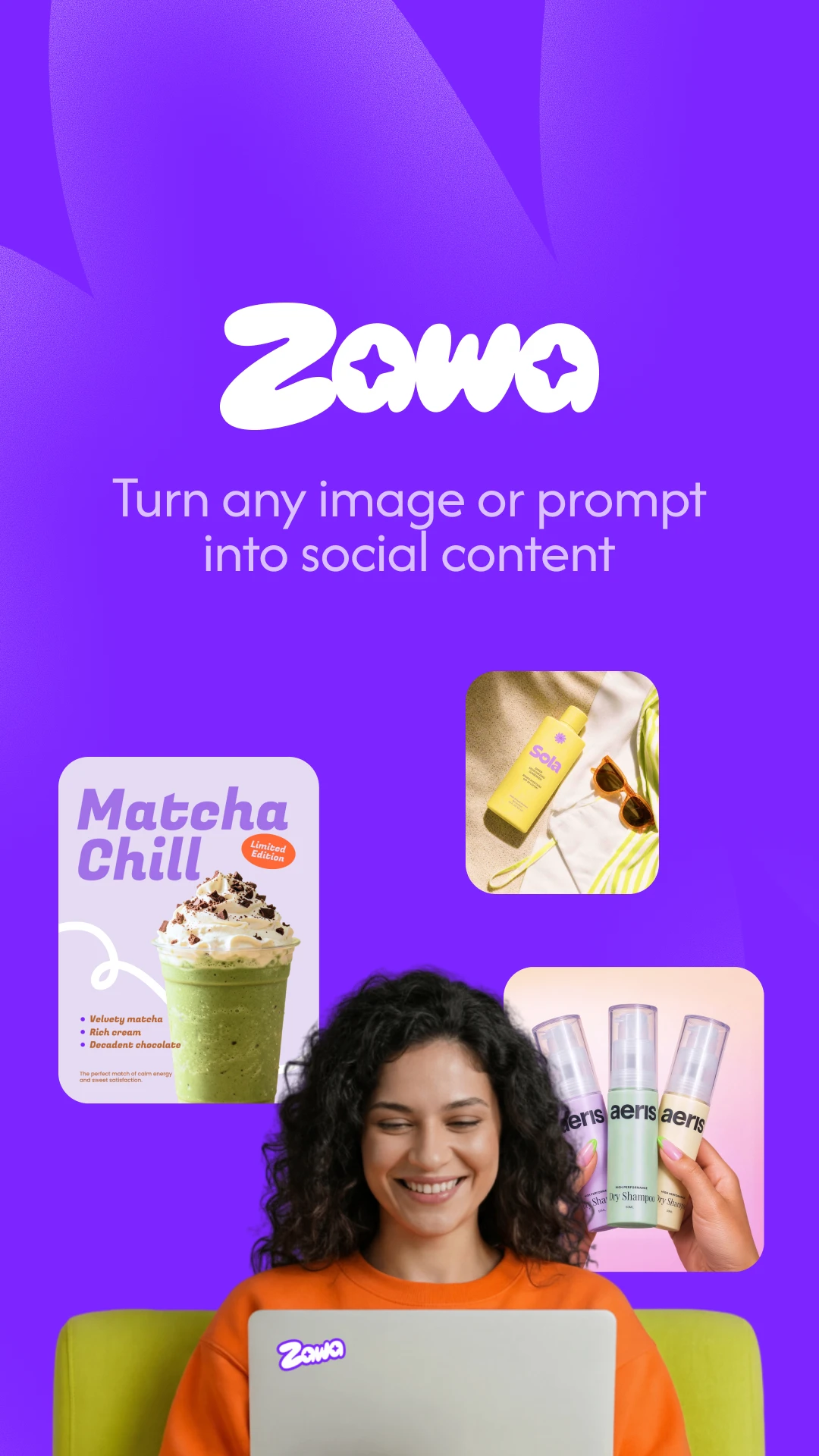
No. FORM, POP and the opening creative board are original website concept artwork, not Zawa-generated results or customer campaigns. The two images in the app section come from the official Google Play listing.
Does the app offer paid plans?
The app offers in-app purchases. Check Google Play and the purchase screen for current prices, renewal terms and included features before paying. This website does not sell a plan or process payments.
How do I manage a subscription or request a refund?
For Google Play billing, use Payments & subscriptions in Google Play to manage renewal. Refund requests follow Google Play policies and are not guaranteed. Deleting the app or an account does not cancel a subscription. More guidance is available on our help page.
How can I request account or data deletion?
Check the account or settings area in your version of Zawa for a deletion option. If you cannot find or complete it, contact info@zawa.ai with your request. The publisher handles verification and applicable retention requirements under its privacy policy.
Can I use someone else's photos or branding?
Use images, logos and other materials you own or have permission to use. Review AI results before publishing, especially product details and claims. Check the app's terms for the conditions that apply to your use.